reach, Grow, Build (RGB)
Innovative Design | Marketing Team | SP'26
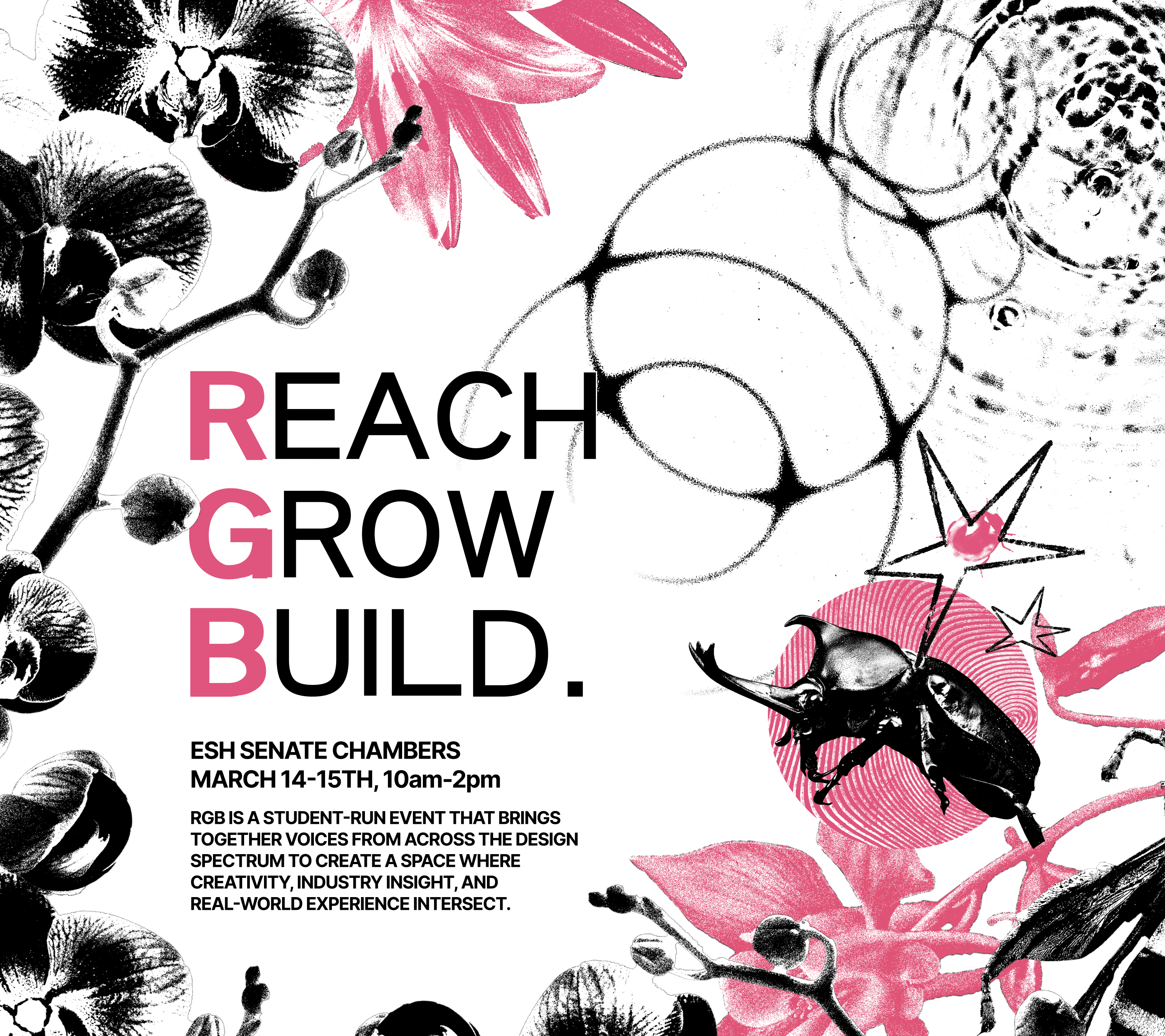
RGB is 2 day speaker series hosted by Innovative Design, an on-campus design agency for graphic designers, web designers, and photographers. As a member of their marketing team for two semesters, I collaborated to create an in-depth visual marketing campaign to promote this event to the Berkeley creative community, tackling social media graphics, flyers, and a digital advertisement. This project took around 1 month to complete as a team.
concept
Tools Used: Pinterest, Figma
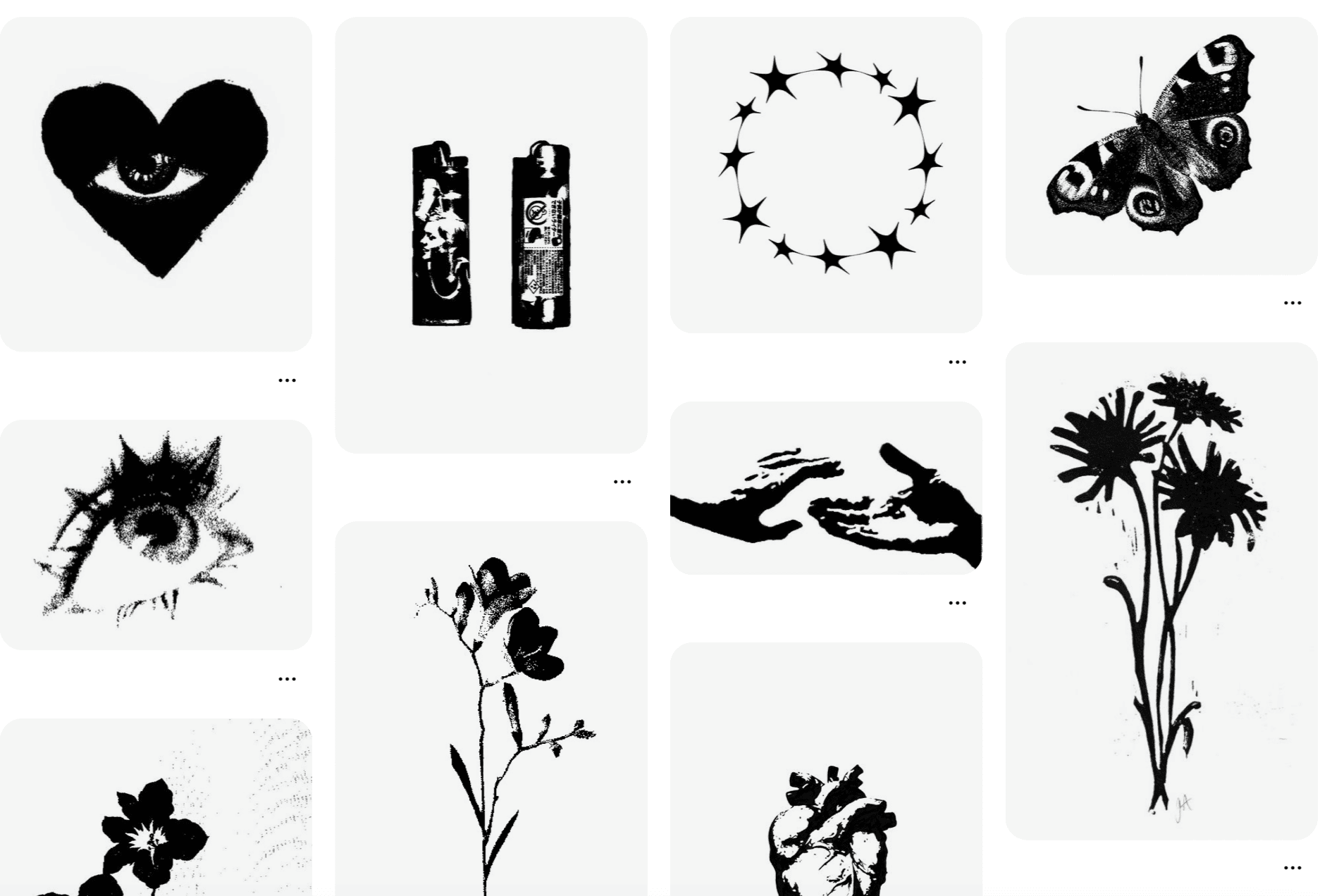
Our marketing team was first presented with a concept for the campaign theme in the form of a Pinterest moodboard by our Externals team, who are responsible for organizing external club events, including RGB. This moodboard's theme was black and white, high-contrast, and moody, and included photographic assets.
Pictured on the right.
Ideating with the team, each member created their own moodboard, interpreting the concept in their own style. Pictured on the right is the moodboard I created. I am inspired heavily by organic forms, especially in biology, so I referenced those elements in my board.
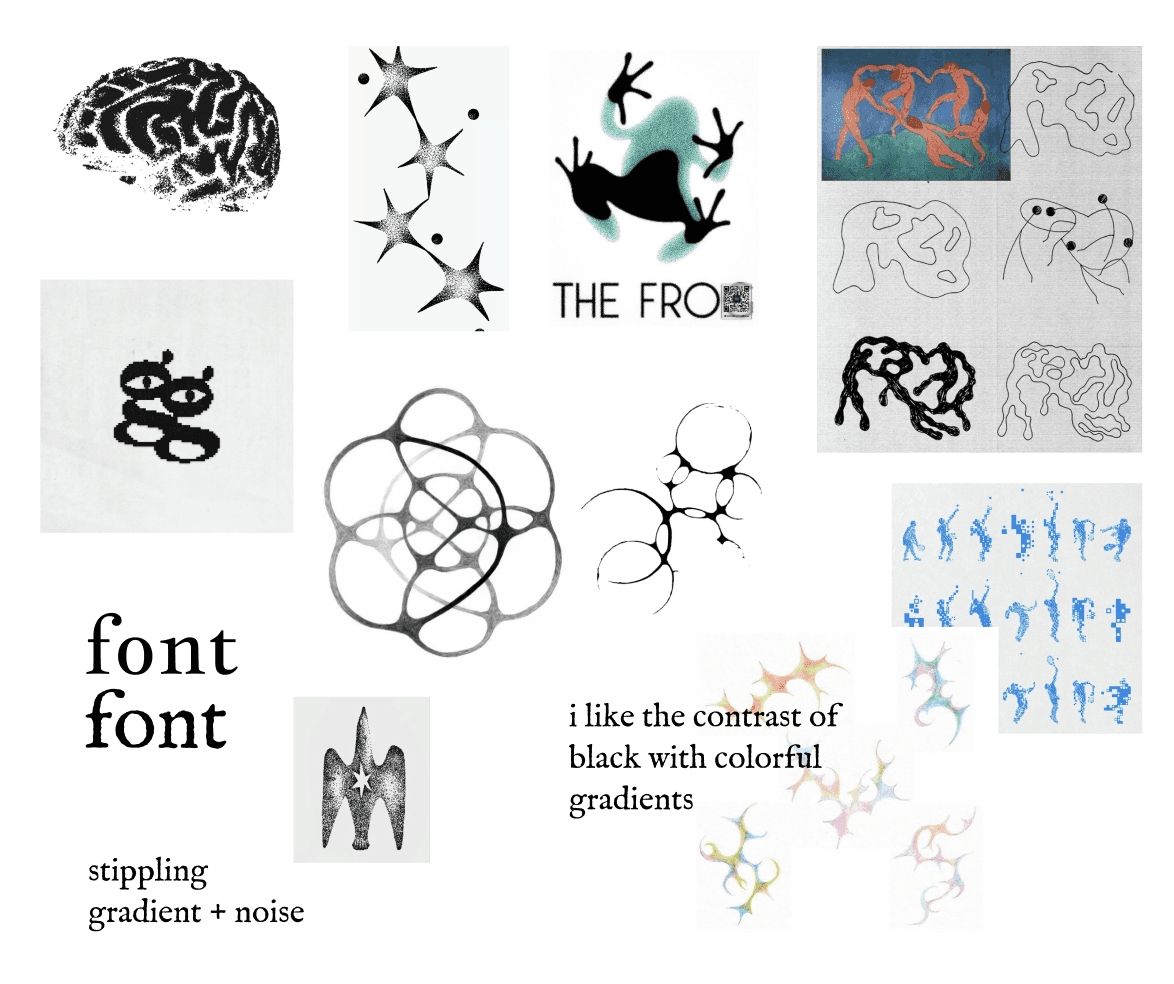
I detailed the color palette of the campaign, in which I chose a mainly black and white palette, with either cool-toned blues or rainbow gradients as an accent. These accent colors would contrast the black & white well, and also draw the visual attention of the viewer.
I also selected a font for the theme, selecting an traditional-style serif font. This font would harmonize well with the sterile and serious nature of the campaign theme.
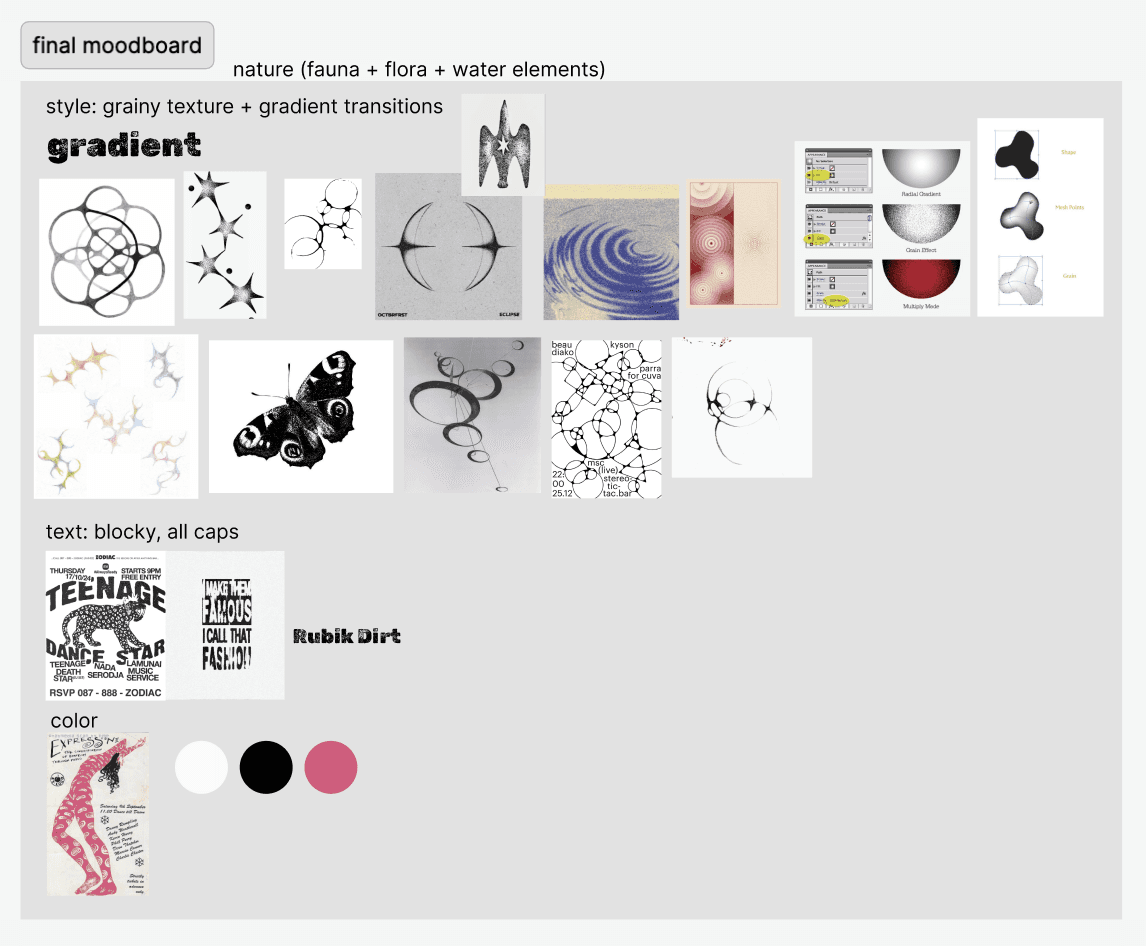
From there, we came together as a team, consolidated our moodboards, and voted on elements we enjoyed the most from the group.
From these elements, we formed a style guide, in which we would based our entire campaign off of. We decided to use images of organic natural elements, like water and flowers, thresholded to create a high contrast black and white image. Our color palette was black and white, paired with an accent of pink. Finally, we chose a bold, sans serif font, Lihei Pro as our main typeface.
Design
Tools Used: Illustrator, Photoshop
The next part of the process was creating the assets and layouts that would be used in our campaign. Each team member was assigned to create two assets, one photographic and another vectorized.
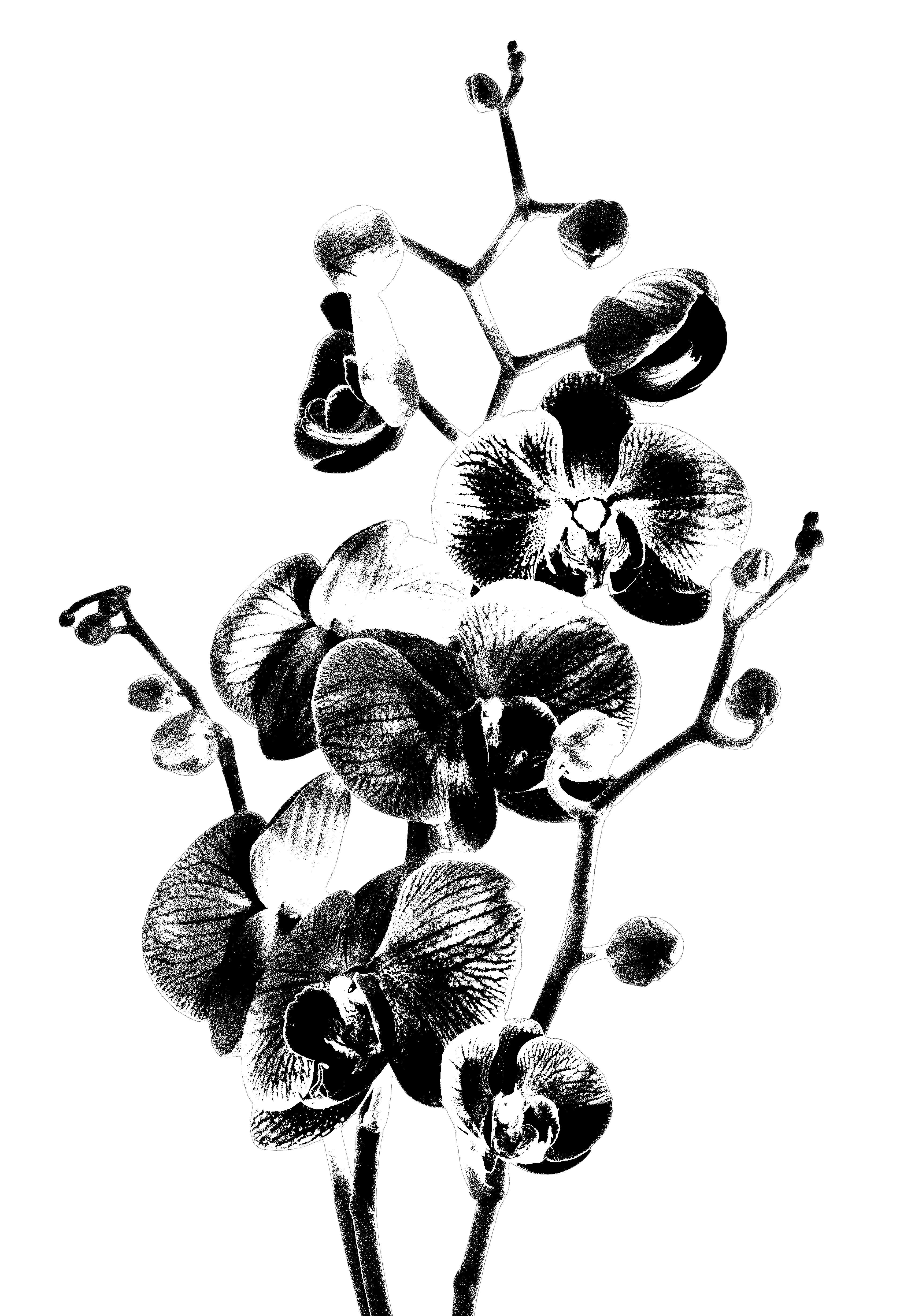
I chose to create an orchid flower asset and a circular vector asset. For the orchid, I edited a stock image of an orchid branch in Adobe Photoshop. I applied 50% threshold to give it a contrasted, monotone look. I then adjusted for lighting and shadows manually using Dodge and Burn tools. Lastly, I applied a grain on the photo to give the asset texture.
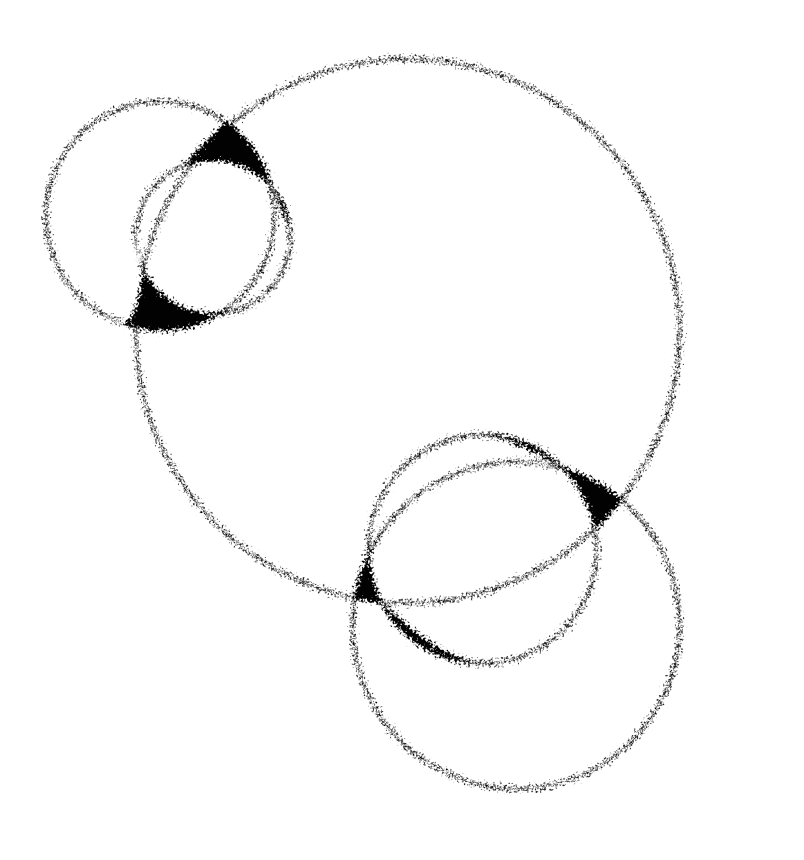
For the circular vector asset, I created it in Adobe Illustrator, using the Shape Building tools. I wanted the asset to resemble bubbles, so I arranged different-sized circles to create a natural, bubble-like formation.
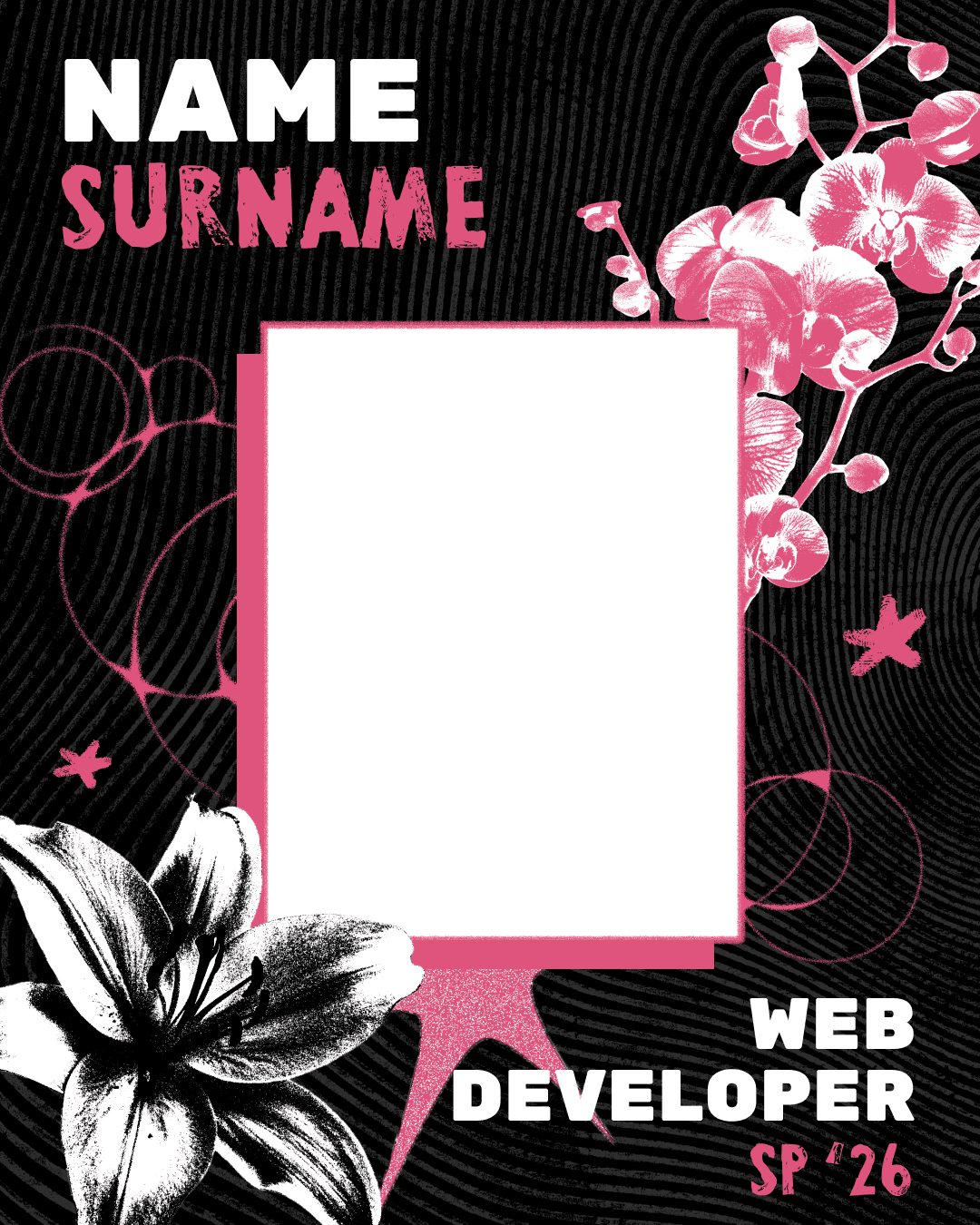
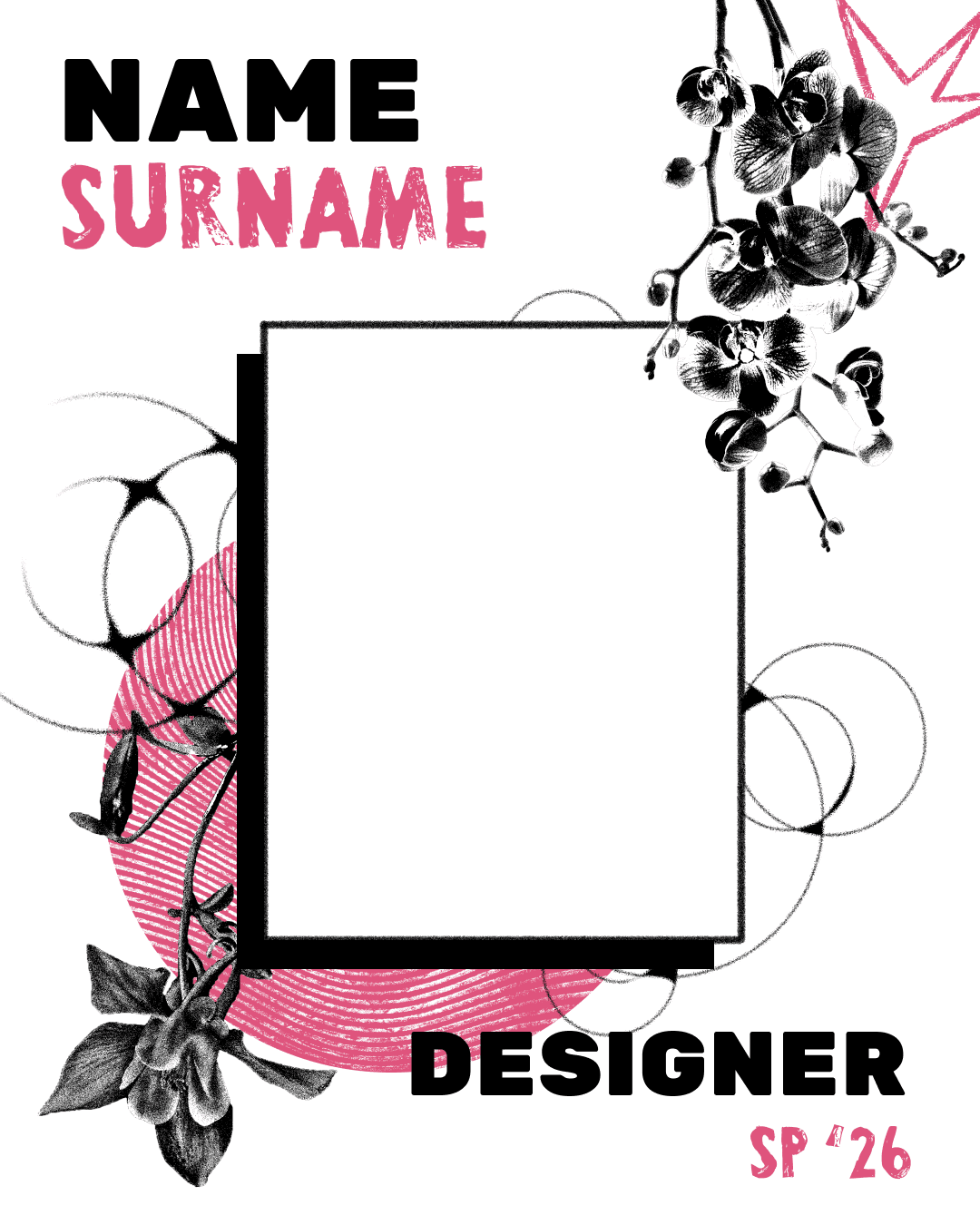
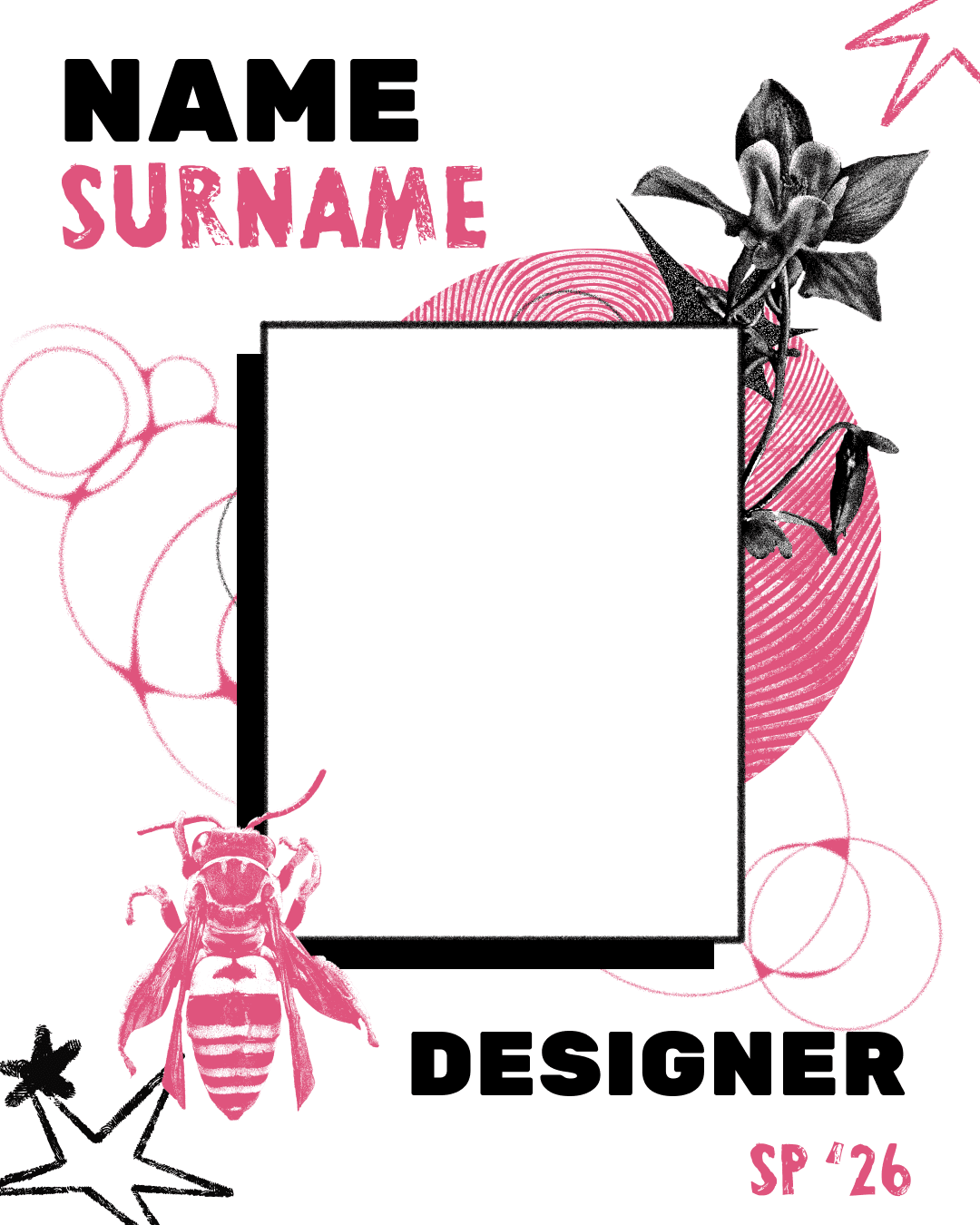
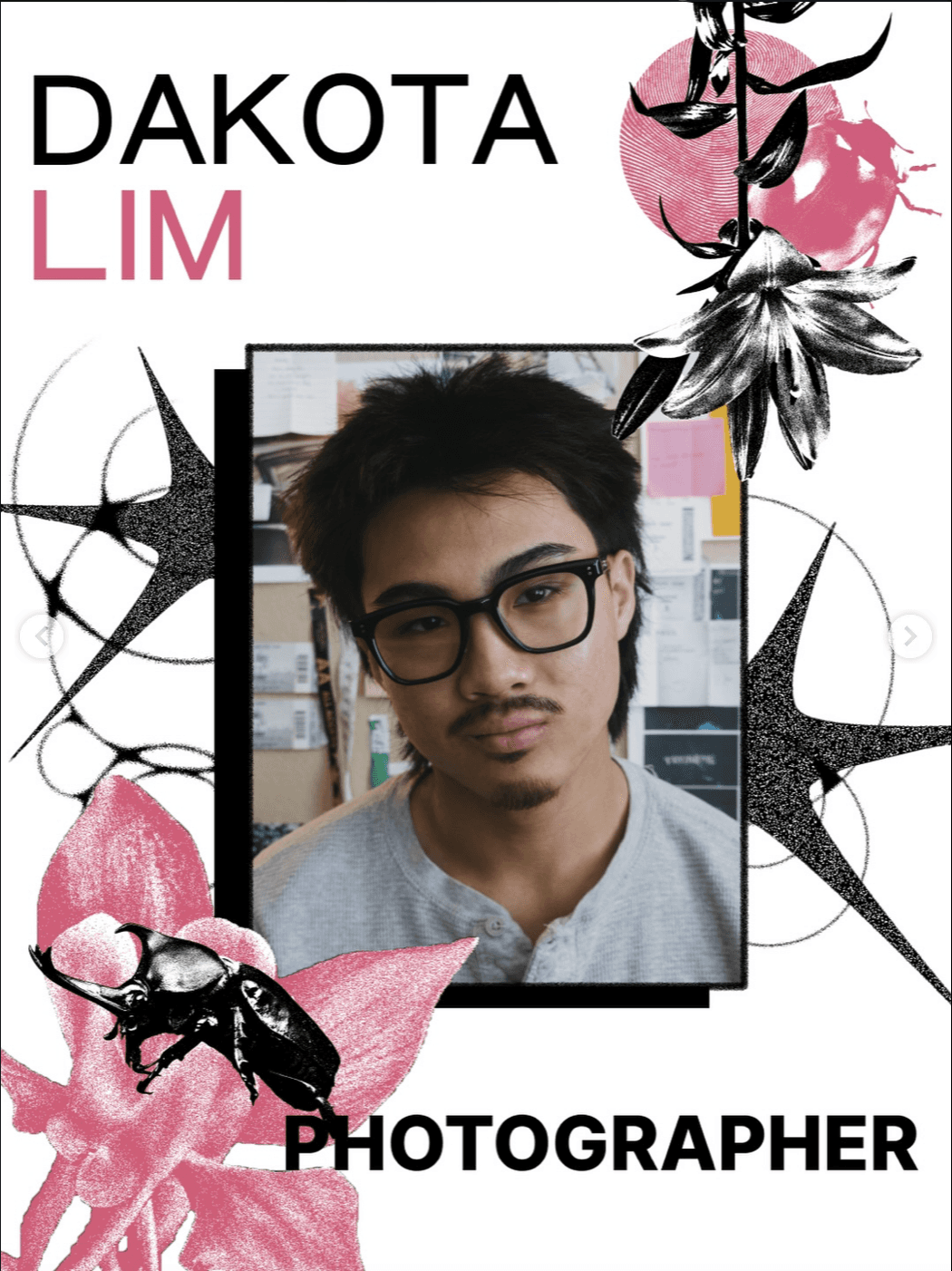
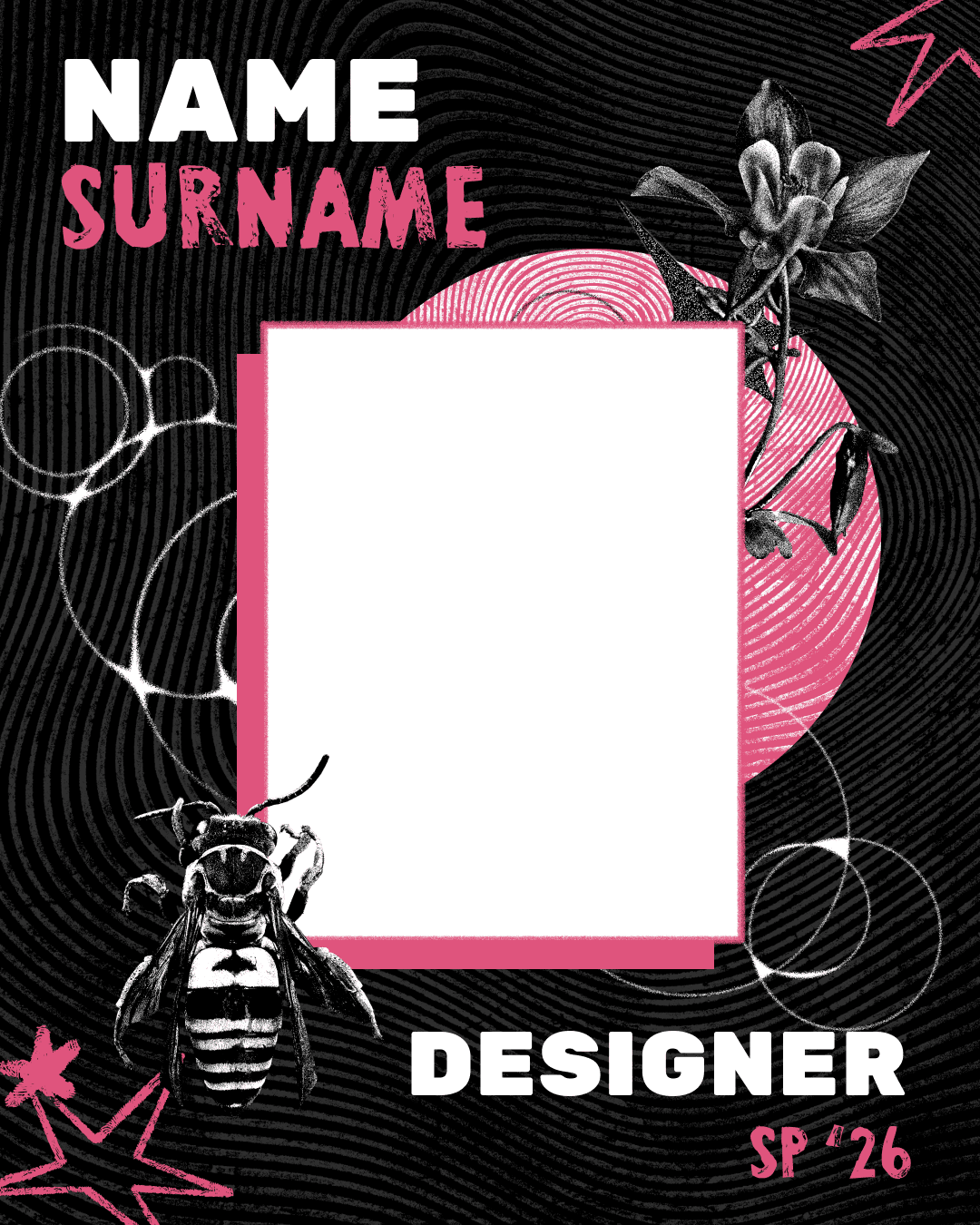
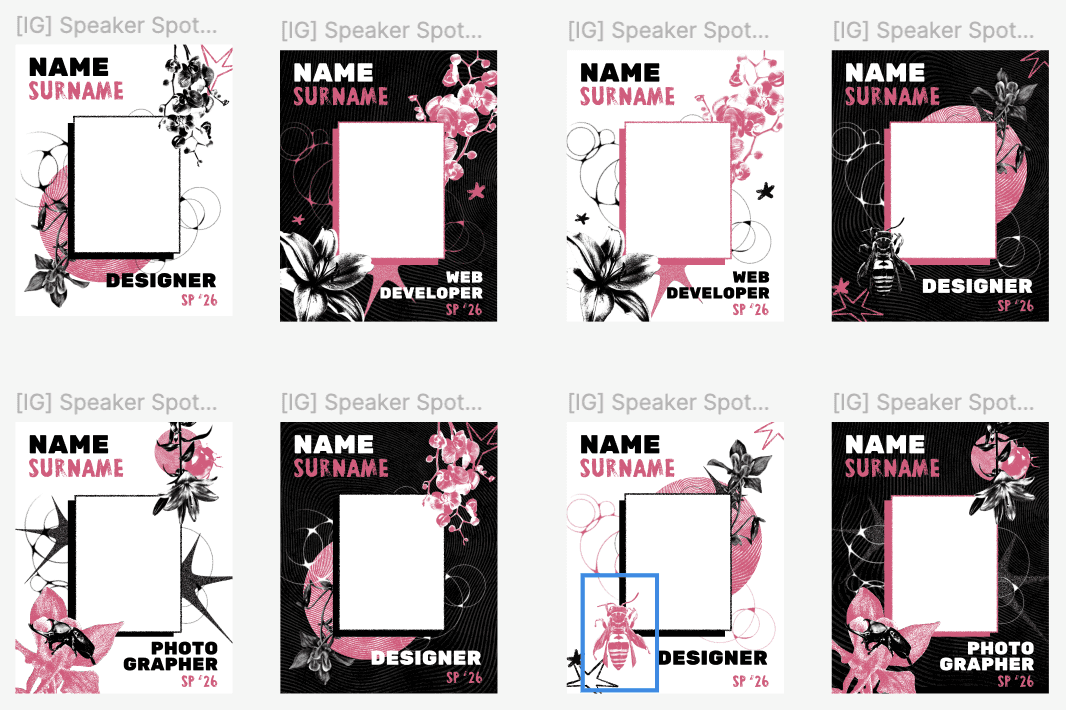
Each member also had to create a set of graphics for the campaign. I was assigned to design the speaker spotlights that would be posted to our social medias. These spotlights highlighted each speaker's photograph, name, and profession.
I created a set of 8 spotlights, utilizing the assets we had designed as a team. Despite our small collection of assets, I made sure to create enough visual variation by alternating my usage of different graphics and altering their positioning, color, and size.
FInal Product
Tools Used: Figma
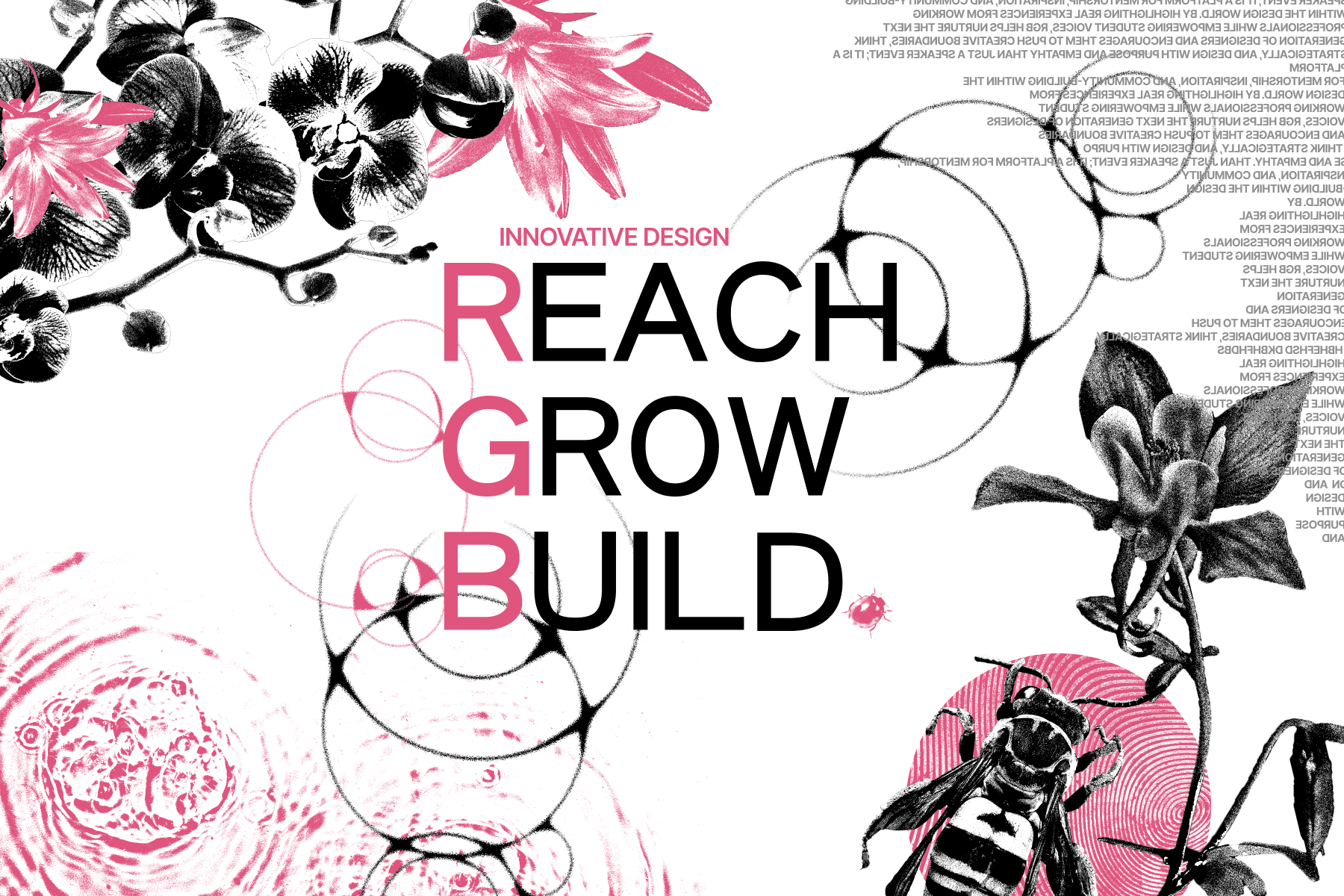
Flyer Front
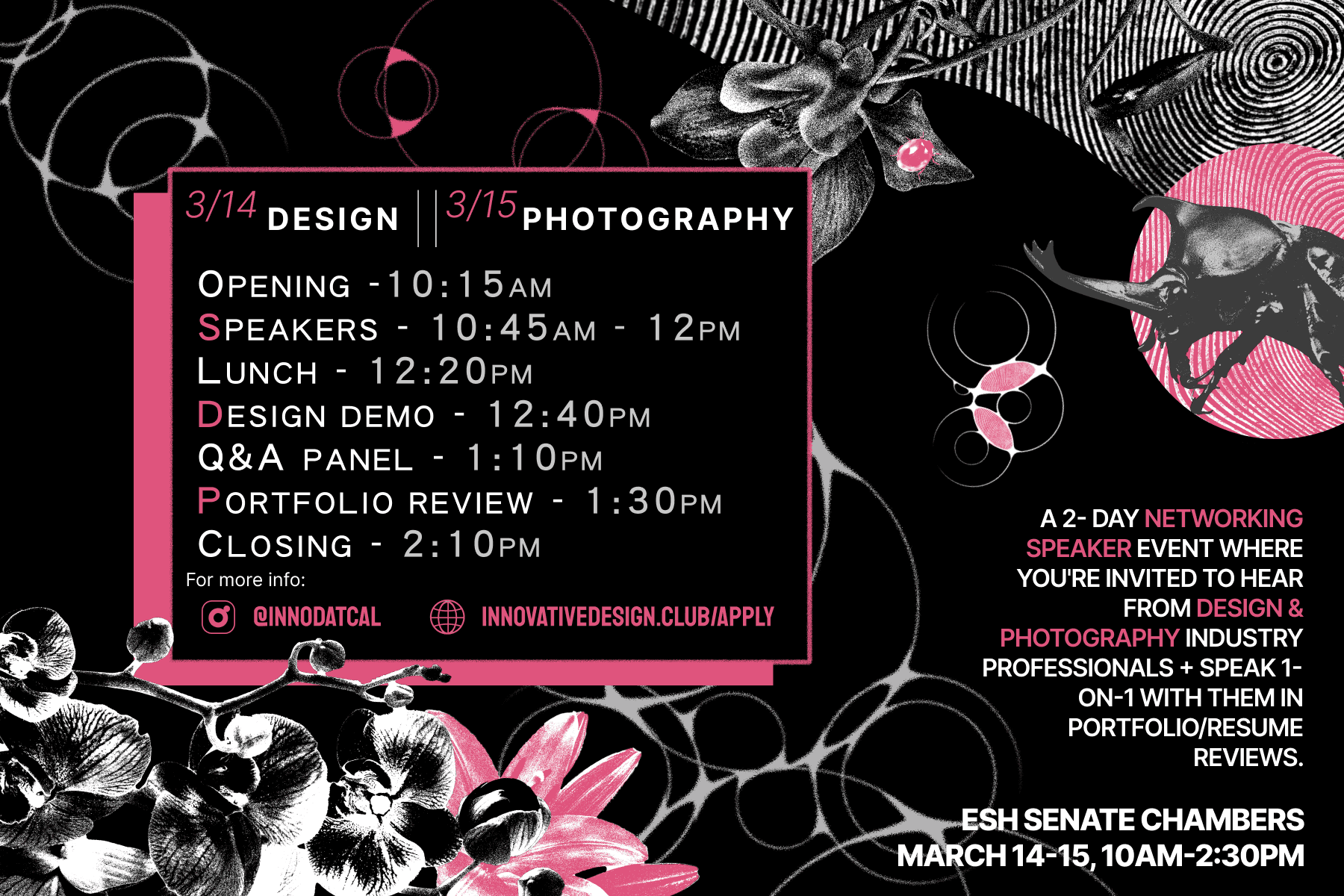
Flyer Back
Lastly, we wrapped up our deliverables by compiling our finished assets and layouts in a Figma file, which would be used by our Tech and Publicity teams to build our website and social media page.
All together, we created 19 total graphic layouts, with 30 visual assets. Graphics were displayed on our Instagram page, website, and on campus.
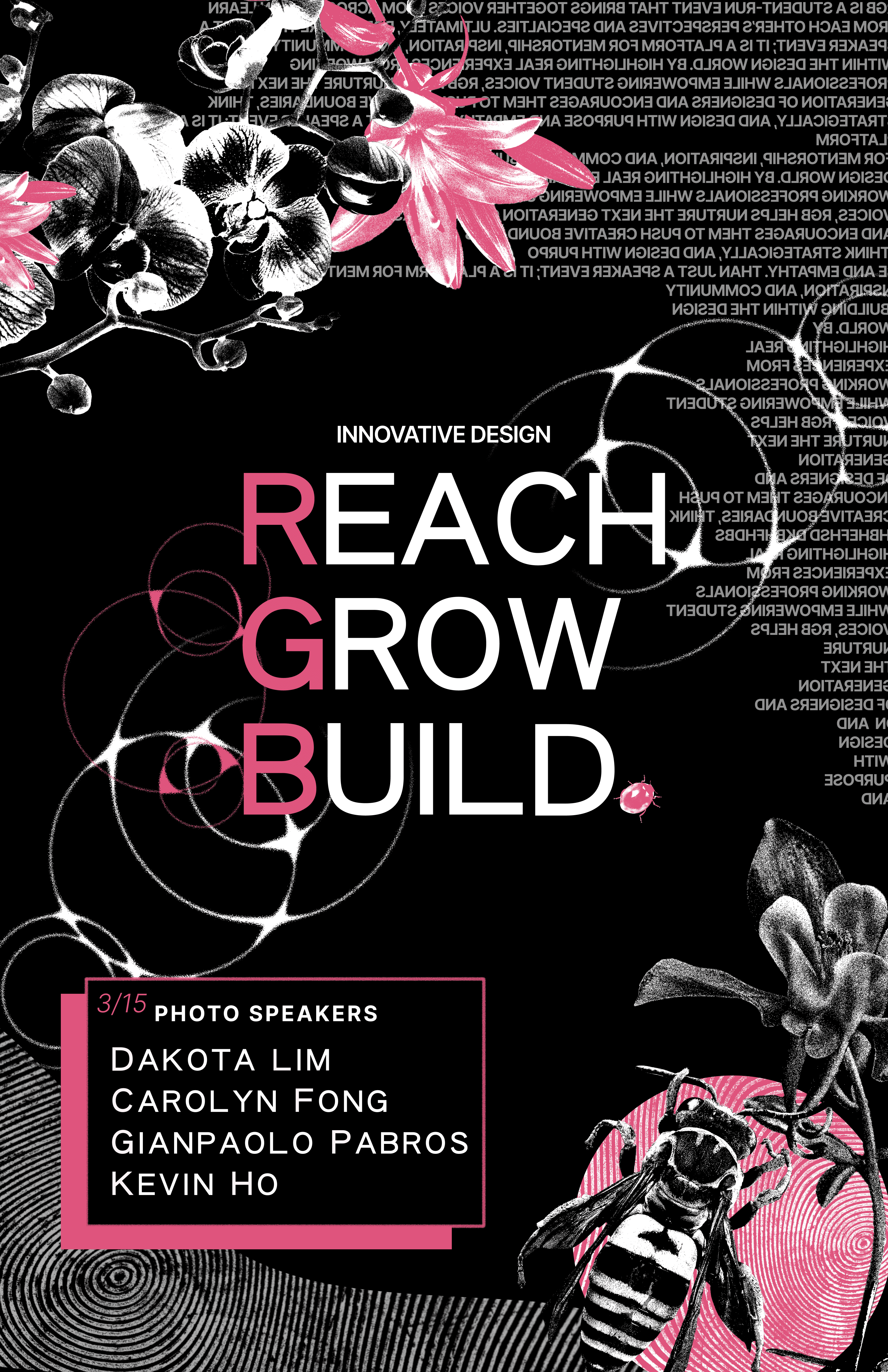
Digital Kiosk Advertisement
Six Connected Post Layout for Instagram
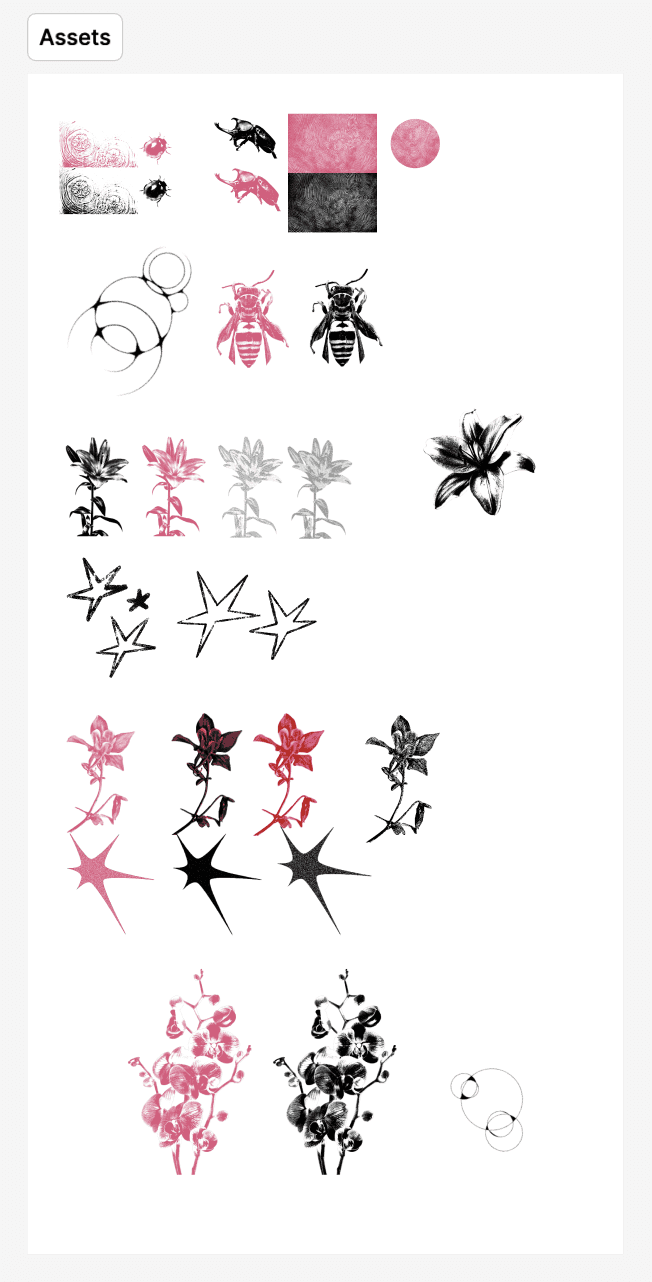
All Campaign Assets